
Digital libraries in Spain: where to read and borrow books
Tell a catalogue record, a library ebook loan and an open digital copy apart. Find routes for Andalusia and keep a simple record of what you searched.
Start with what you need
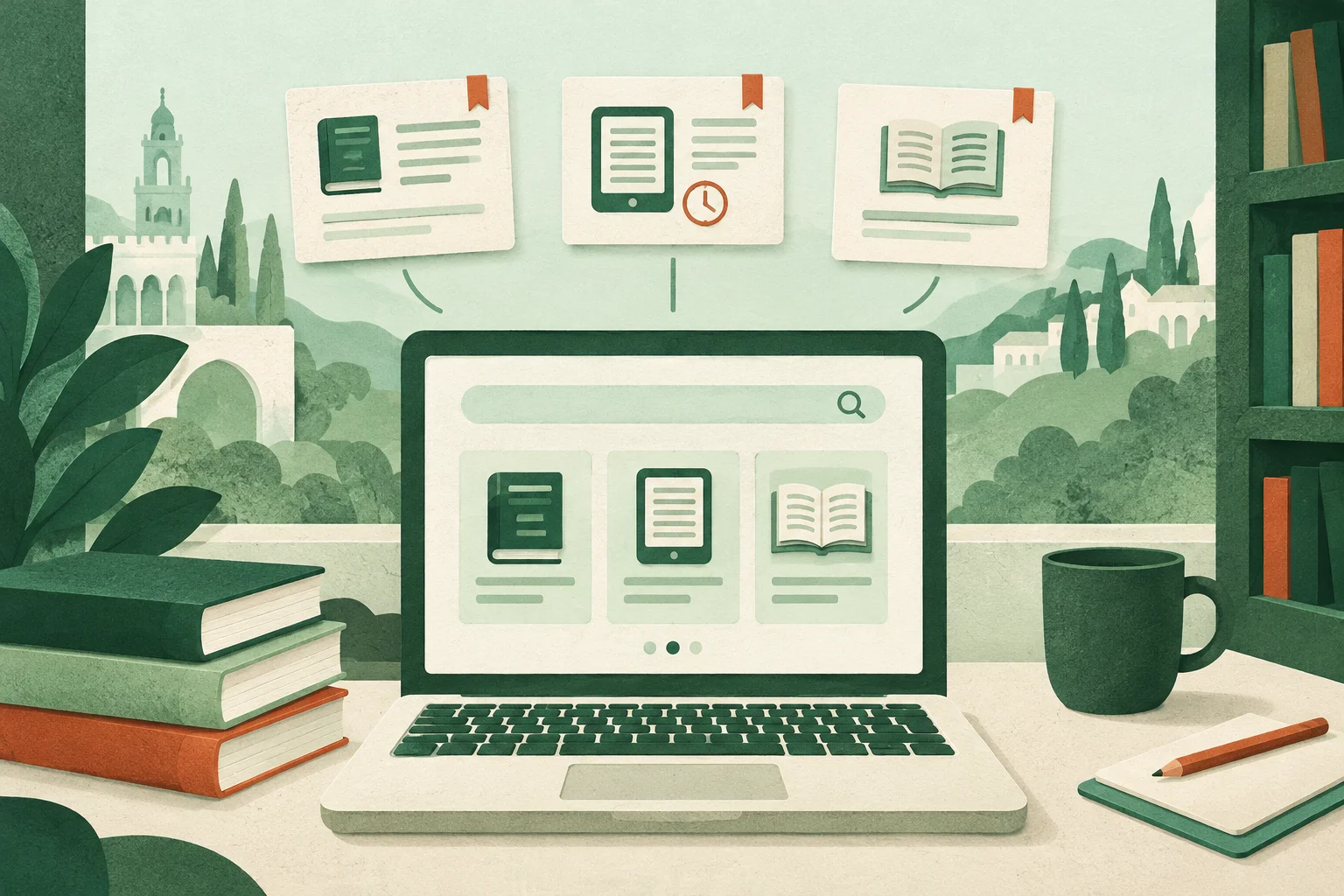
If you need a book for class, find out which edition your teacher wants. If you are browsing for a young adult novel, start with a topic, author or series. A search result could be a record describing the book, a loan available for a set time or a work you can open online. If a page lists the title and publisher but offers no reading or loan option, use it to identify the book and keep looking. The Bibliomiraya website, for example, has separate areas for its school catalogue instructions and its digital reading resources.
When to use eBiblio
eBiblio lends electronic materials through participating regional catalogues in Spain. Start with the catalogue linked to your public library card. If you do not have a card or cannot sign in, ask that library how to enable access. In Andalusia, start at the official eBiblio Andalucía page. School login details and a public library card belong to different services. Use the credentials the library specifies for the service you want.
Check whether the loan works for you
Search by title and author. Check whether the entry is an ebook or an audiobook, what language it is in and, where stated, whether it is complete or adapted. See whether you can borrow it or have to reserve it. If you need it by a given date, check the due date displayed by the platform and decide whether you can wait. Use the official user guide to choose between reading on the web, in the app or on a compatible ebook reader. An ebook reader that opens your other books may need a different process for loans. Check before buying a device or switching formats.
Where to look for books you can open online
For older editions, try BNE Digital, which incorporates the historical digitised collections of the Biblioteca Digital Hispánica. The Biblioteca Digital de Andalucía gives access to digitised Andalusian holdings. Search by author and title and open the edition record before downloading. A facsimile reproduces the pages of a copy, so the print and text search may be less convenient than in an ebook. Check the record for reading, download and reuse information. Being able to view a work does not in itself tell you if you may republish it.
A starting point for children’s and young adult literature
The Biblioteca Virtual Miguel de Cervantes has a Children’s and Young Adult Literature collection with historical materials. Search for a genre, such as stories or drama, and open a result to check whether it includes the text. For a recent release, return to your school catalogue or the lending service. In class, compare an older edition with a recent adaptation. Record the edition you are reading and notice any differences in vocabulary, illustrations or length.
A search record you can copy
Copy this table and save a link to each record with the author, title, year or edition, format and date you checked. It helps you tell which books you have found and which you still need to request.
| If you want to… | Start with… | Before you decide |
|---|---|---|
| See if your school has a copy | Your school catalogue | Check the edition, availability and how to reserve it. |
| Borrow a recent novel digitally | Your public library network’s eBiblio catalogue | Check format, availability and the due date. |
| Read a historical edition | BNE Digital, the Biblioteca Digital de Andalucía or the Cervantes youth collection | Open the record and check for readable text or page images. |
Example: a story you need by Friday
Say you need to discuss a short story this Friday. Look for the classroom edition in your school catalogue. If it is unavailable, check if you can borrow the same edition in time through eBiblio. If your teacher allows another edition and the work is historical, search by author and title in Cervantes Virtual or BNE Digital. Read a little to make sure you found the text assigned, rather than just a record, a study or an adaptation. Submit the link to the edition you actually used with your work.
When a link no longer leads to a library
If a link leads to a survey, adverts or an unexpected request for your details, close the tab and open the resource from the library or managing institution’s official site. If a title is not available to read openly or to borrow digitally, ask about a print copy or another edition. If you report a broken link in a school reading list, include the page where it appears, the link text and an official address you have already checked.