
Clean Amazon Book Links Without Losing Edition or Affiliate Attribution
A practical guide for authors to verify the right Amazon book edition and marketplace, create a clean direct product link using KDP’s documented /dp/ASIN form, and preserve required Amazon Associates attribution. It also explains optional AzonLinks universal links and how to check the destination before sharing.
Start with the exact edition and marketplace
A link is only useful if it leads to the book edition you mean to share. For a KDP title, find its ASIN in your KDP Bookshelf or on the Amazon product detail page; KDP also explains that the ASIN appears under the book’s title in the Bookshelf and under “Product Details” on the detail page. Check the title, language, format, and edition against the intended copy. Translations, formats, and new editions may have different identifiers, so a matching title alone does not confirm a match. KDP Bookshelf · AzonLinks link help
Build an ordinary direct link with KDP’s documented form
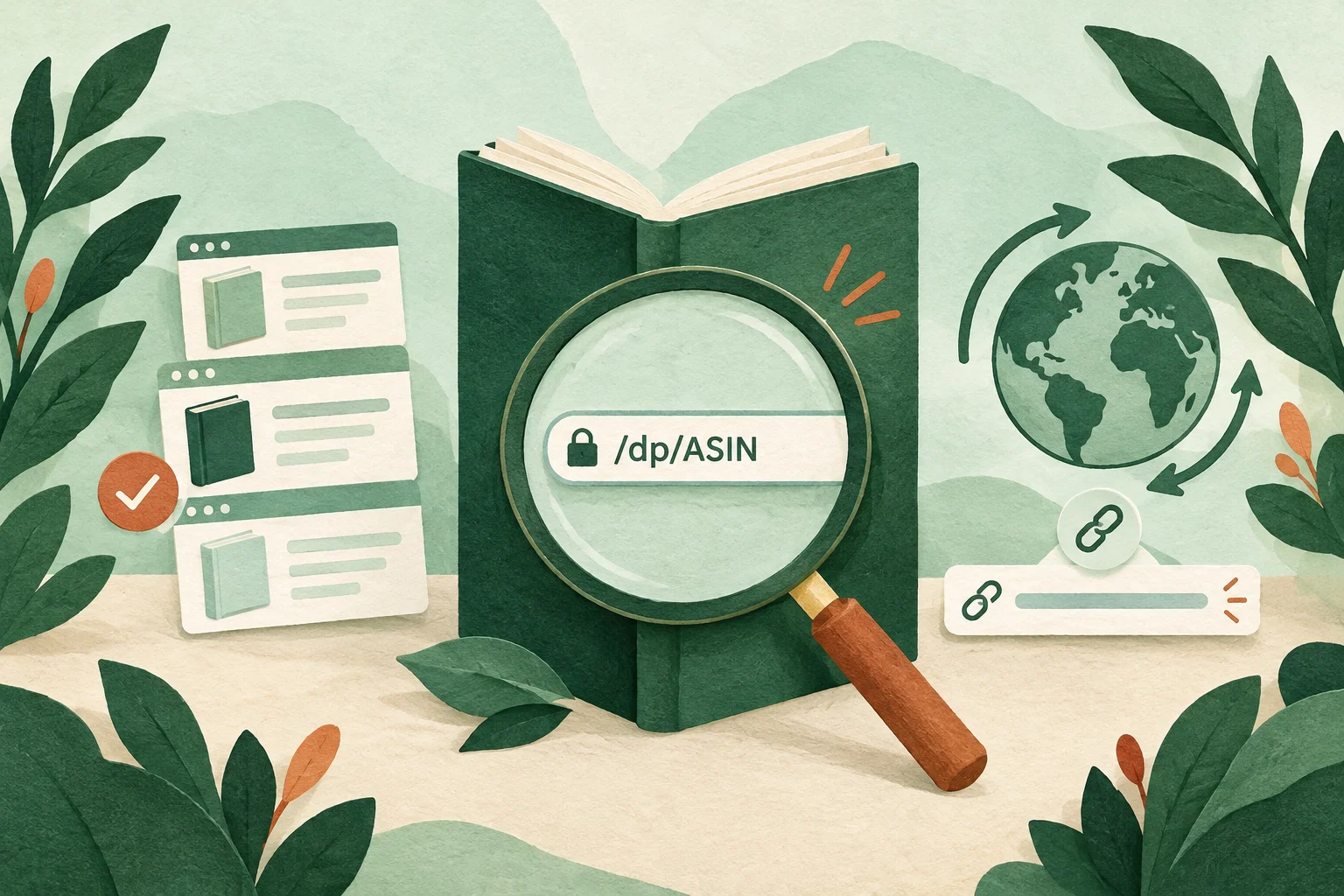
KDP documents direct links to a book’s detail page by adding its 10-character ASIN after /dp/ASIN, replacing ASIN with the actual code. It lists separate marketplace domains, including amazon.com, amazon.co.uk, amazon.de, amazon.fr, amazon.es, amazon.it, amazon.co.jp, amazon.com.br, amazon.ca, amazon.in, amazon.com.au, amazon.com.mx, and amazon.nl. Choose the store that matches the intended market, then verify that the particular edition is available there. KDP: Linking from Your Website
Illustrative URL syntax
These examples use the literal placeholder ASIN—they are not live book links, do not name a real title, and do not report a compatibility test. Both keep the same illustrative marketplace and ASIN placeholder; the second shows KDP’s documented direct form:
Verbose illustrative product URL:
https://www.amazon.com/example-product-title/dp/ASIN?ref_=example

KDP-documented direct-form URL:
https://www.amazon.com/dp/ASIN
This comparison illustrates the direct-link syntax only. It is not advice to edit, shorten, or strip parameters from an Amazon Associates Special Link. KDP: Linking from Your Website · Associates Program Linking Requirements
Keep Special Links’ required affiliate attribution
An ordinary direct product URL and an Amazon Associates Special Link are not interchangeable for attribution. Amazon’s Associates linking requirements make the publisher responsible for using the appropriate formatting to track referrals. They specify that each Special Link must include the Associates ID or “tag” as a URL parameter, in the format Amazon designates—for example, XXXXX-20 or another applicable format. Build affiliate links with the official Associates link-building tools and the current terms for the relevant Associates marketplace; do not remove or alter required tags or other attribution formatting. The requirements also say not to use link shortening in a way that obscures that the destination is an Amazon site. Associates Program Linking Requirements
Verify the destination before sharing
Use a quick check for every link, especially before a campaign or print run:
- Confirm the identifier. Copy the full ASIN from the KDP Bookshelf or the relevant product detail page; do not mistake an ISBN for an ASIN or paste an entire URL into an identifier field. AzonLinks’ help describes ASINs as 10 letters or numbers and book ISBNs/EANs as 13 digits.
- Confirm the edition. Open the destination and compare the book’s title, language, format, and edition with the copy you intend to share.
- Confirm the marketplace. Check the store domain and that the book is offered in that marketplace. KDP notes that a book must be published in the relevant Amazon store to appear there; Bookshelf links can show the stores in which it is published.
- Check the actual destination. Open the URL in a separate tab and confirm it reaches the intended detail page. If the product or edition cannot be confirmed, do not present it as verified.
- For an Associates link, preserve its generated tracking format. Check that the required tag and other applicable attribution remain in place; use the official link-building tools rather than converting the Special Link into an ordinary direct URL.
These are verification steps, not a claim that a particular link, device, or marketplace has been tested here. KDP: Linking from Your Website · KDP Bookshelf · Associates Program Linking Requirements · AzonLinks link help
Account for regional catalogue and availability differences
A marketplace domain identifies a store, not a guarantee that every market carries the same edition or shows identical product details. KDP’s Bookshelf help says authors can view their book in the Amazon stores where it is available and advises checking that the title is published in the store being searched. AzonLinks likewise cautions that regional catalogues can differ and that the same code may resolve to different information; check the destination store’s product page. Availability can change, and sellers or editions may differ. Do not imply that a link ensures stock, identical regional listings, prices, shipping terms, or purchase conditions. KDP Bookshelf · AzonLinks link help · Associates Program Linking Requirements
Optional AzonLinks universal links are a separate choice
A direct /dp/ASIN URL points to a product detail page in the selected Amazon marketplace. An AzonLinks universal link has a different purpose: one shared address opens an AzonLinks destination page with access to available regional Amazon stores, from which the visitor can continue to a store. The public generator accepts a 10-character ASIN or a 13-digit ISBN/EAN; its help says it can be used without creating an account. It also documents optional custom aliases and downloadable QR codes. Verify the product and regional store after generating a link; the service does not guarantee identical catalogues, products, prices, or stock across regions. A universal link facilitates regional access; it does not confirm that a particular edition is available everywhere. AzonLinks link help
Use aliases and QR codes with the same checks
AzonLinks documents creating an alias from the generated-link result, subject to the form’s character and length rules and alias availability. An alias changes the address used for the link; it does not change or validate the book edition. Check the saved alias destination before distribution. The downloadable QR code contains the link address: if using an alias, inspect which address the QR contains before printing. For a printed QR, AzonLinks recommends testing it with another device, preserving size, contrast, and clear space, and making a sample print when distributing in quantity. A readable written URL nearby also gives readers another way to access the link. These checks address the QR and destination; they do not replace edition or marketplace verification. AzonLinks link help
Practical publishing checklist
- Identify the exact edition and copy its ASIN from KDP or the relevant Amazon product detail page.
- Select the Amazon marketplace intended for the audience and use KDP’s documented
https://www.amazon.<marketplace>/dp/ASINform for an ordinary direct link. - Open the destination and check title, language, format, edition, and marketplace; do not assume regional catalogues or availability are identical.
- If using Amazon Associates, generate the Special Link with official tools and keep its required tag and applicable tracking format intact. Do not use the ordinary-link example as a method for editing a Special Link.
- If choosing an AzonLinks universal link instead, verify the generated destination, regional store access, and edition separately. Check aliases and QR destinations before publishing or printing.
- Recheck a previously shared link before a new campaign or print run, since catalogue and availability information can change.
Amazon’s linking requirements also prohibit inaccurate or misleading product, price, availability, or policy claims. This guide makes no claim that cleaning a URL improves search rank, sales, reviews, or any Amazon outcome. KDP: Linking from Your Website · KDP Bookshelf · Associates Program Linking Requirements · AzonLinks link help
Useful resources
- KDP: Linking from Your Website — documented ASIN direct-link formats by marketplace.
- KDP Bookshelf — locating ASINs and viewing a title in available Amazon stores.
- Amazon Associates Program Linking Requirements — Special Link formatting, tracking, and general linking requirements.
- AzonLinks: Universal link help — generator inputs, regional destinations, aliases, QR codes, and verification guidance.